
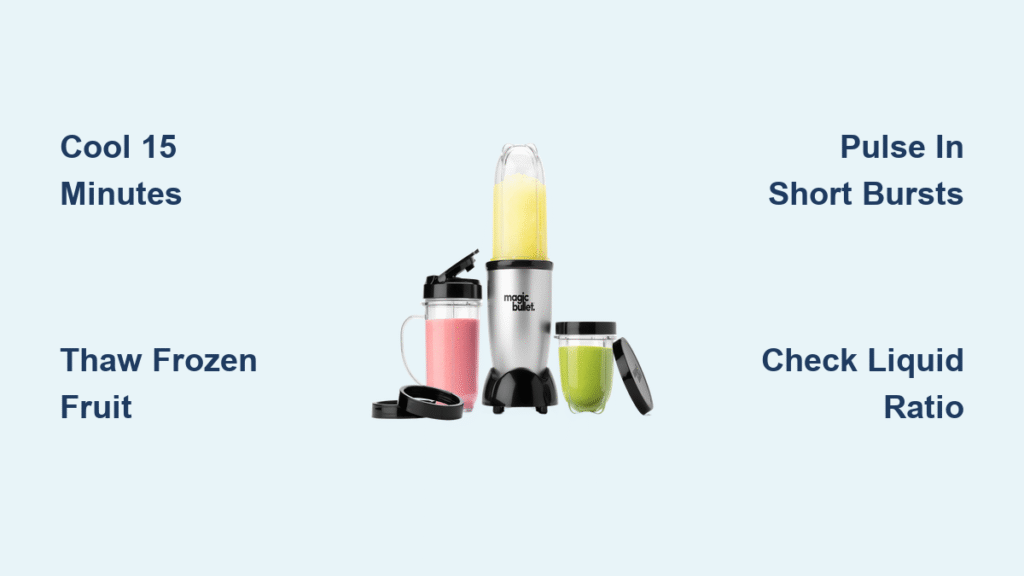
Your Magic Bullet just shut off mid-blend, leaving you with chunky smoothie remnants and that alarming burning smell. Don’t rush to replace it yet—this sudden shutdown is actually your blender’s built-in safety feature preventing permanent damage. When your magic bullet blender overheated, the thermal cutoff did its job by cutting power before the motor could burn out. This guide reveals exactly why it happens, how to safely restart your blender in 15 minutes, and crucial techniques to prevent future shutdowns while extending your appliance’s lifespan.
Most users mistakenly think a sudden stop means motor failure, but 9 out of 10 times it’s simply overheating from pushing the compact 250-watt motor beyond its limits. You’ll learn to recognize early warning signs like reduced vibration and electrical odors before smoke appears. By the end, you’ll master ingredient prep rules and blending protocols that keep your Magic Bullet running smoothly for years—not months. Let’s transform your frustration into confidence with actionable solutions you can implement immediately.
Why Magic Bullet Overheats During Intense Blending Sessions
Your Magic Bullet’s compact motor packs serious power into a tiny footprint, but this design creates unavoidable thermal challenges. The automatic thermal safety cutoff triggers when internal temperatures exceed safe limits—typically during dense ingredient processing like frozen fruit or nut butters. When your blender suddenly stops working, it’s protecting itself from permanent motor damage.
Dense ingredients force the motor to work harder than its cooling system can handle, especially when exceeding the 1-minute continuous operation limit for thick mixtures. Combine frozen strawberries straight from the freezer with insufficient liquid, and you’ve created the perfect overheating storm. The thermal cutoff activates at precise internal temperatures, immediately cutting power to prevent the motor windings’ protective enamel coating from burning off—a failure point that creates fire hazards and irreversible damage.
Instant Recovery: 15-Minute Reset Protocol
Immediate Safety Steps After Overheating
- Unplug immediately – Never attempt to restart while hot
- Remove blending cup – Prevent accidental activation during cooling
- Clear surrounding area – Ensure 6-inch clearance for airflow around vents
- Wait full 15 minutes – Critical for motor windings to return to safe temperature
Skipping this cooling period risks permanent motor damage. Set a visible timer—your blender needs this full rest to reset the thermal protection system. During this wait, inspect for obvious issues like misaligned cups or damaged power cords that could contribute to overheating.
Quick Diagnostic Check While Cooling
While waiting, verify these common oversights:
– Confirm cup locking tabs clicked securely into place
– Check power cord for fraying or exposed wires
– Measure ingredient levels against the max fill line
– Assess liquid-to-solid ratios in your current blend
Pro tip: If you detect even a faint electrical odor, extend the cooling period to 20 minutes. This extra time allows deeper heat dissipation from motor windings, preventing cumulative damage from repeated short-cycle overheating.
Top 5 Overheating Triggers to Avoid
Frozen Fruit Overload Mistakes
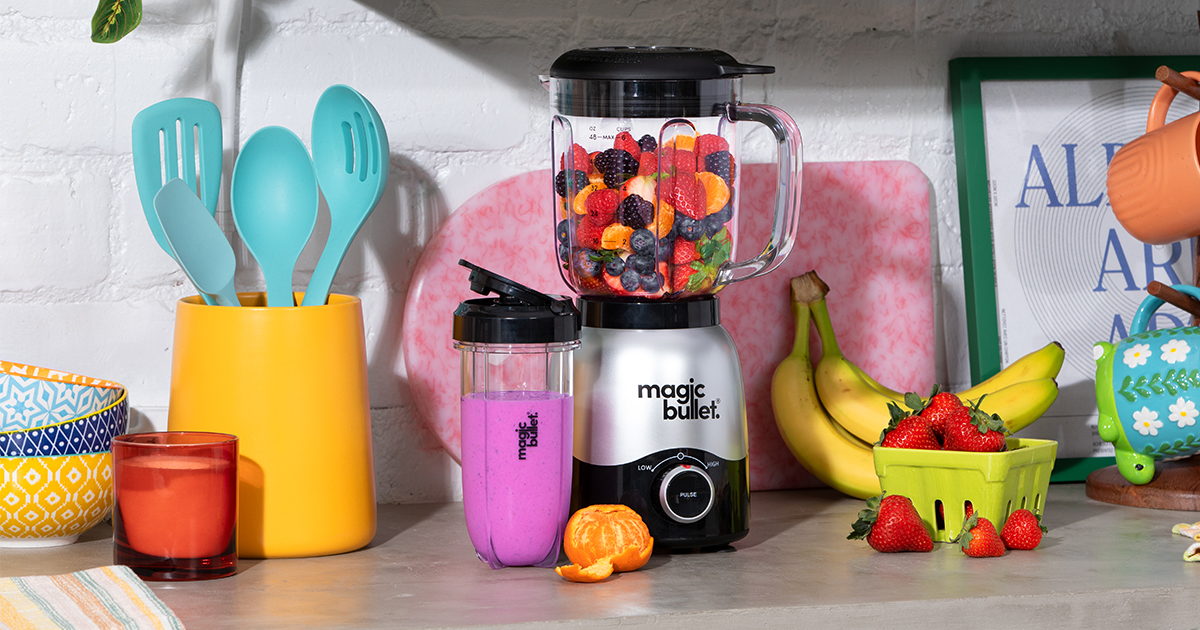
Your Magic Bullet struggles with more than 3-4 frozen cubes at once. Always thaw frozen ingredients for 5-10 minutes first, or dice them into 1-inch pieces. Processing straight-from-freezer strawberries creates excessive resistance that overheats the motor within 30 seconds—far below the 60-second safe limit for dense mixtures.
Continuous Blending Beyond Safe Limits
That “set it and forget it” approach destroys motors. Never blend dense ingredients longer than 60 seconds continuously. For smoothies, use 10-second pulses with 5-second rests between cycles. The motor needs these micro-breaks to dissipate heat through the base vents.
Back-to-Back Brunch Blending Sessions
Hosting multiple guests? Allow 10-15 minutes between full cups. Rapid consecutive blending traps heat in the motor housing—like revving a cold car engine repeatedly. Your unit needs this recovery time to drop internal temperatures to safe levels.
Insufficient Liquid Ratios
Too little liquid creates cement-like consistency that strains the motor. Always add liquid first to cover blades completely before adding solids. When in doubt, add an extra splash of milk—this lubricates the blend and reduces friction heat.
Age-Related Motor Degradation
Units older than 5-7 years naturally lose efficiency as motor brushes wear down. If your reliable Magic Bullet suddenly overheats making the same recipes, internal component degradation is likely the culprit—not user error.
Warning Signs Before Irreversible Motor Failure
Your blender gives clear warnings before catastrophic failure occurs. Early indicators include noticeably slower blade speed, reduced vibration during operation, and faint electrical odors from bottom vents. These signal that the motor is working harder than designed and approaching thermal limits.
Critical failure symptoms demand immediate action: visible smoke emission, strong burning plastic smells, or complete inability to restart after cooling. These indicate the motor’s insulative enamel coating has burned off—creating fire hazards and permanent damage. If you detect smoke, unplug immediately and discontinue use; continued operation risks electrical short circuits.
Prevention: Proper Blending Techniques for Long Motor Life
Ingredient Preparation Rules That Prevent Overheating
- Thaw frozen items for 5-10 minutes before blending
- Dice fruit into 1-inch pieces maximum to reduce motor strain
- Layer ingredients correctly: liquids first, soft items next, frozen ingredients last
- Respect the max fill line—leave 1-inch headspace for proper circulation
Smart Blending Protocol for Frozen Mixtures
For safe smoothie preparation:
1. Add liquid to completely cover blades
2. Add only 3-4 frozen fruit pieces maximum
3. Pulse 3-4 times to break up chunks
4. Blend maximum 15 seconds
5. Rest 30 seconds before continuing
Batch processing secret: Make two smaller smoothies instead of one overloaded cup. This reduces motor strain by 40% while yielding better texture—and extends your blender’s lifespan significantly.
Maintenance to Prevent Future Overheating

Daily Care Essentials After Each Use
- Disassemble completely and wash parts in warm soapy water
- Use a bottle brush for stubborn residue around blades
- Dry all components thoroughly before reassembly
- Wipe electrical contacts with a dry cloth to ensure clean power transfer
Weekly Inspection Checklist
- Test blade sharpness—dull blades increase friction heat
- Check for blade warping that causes dangerous imbalance
- Examine rubber gaskets for tears that allow leaks
- Inspect power cord along entire length for damage
Monthly Deep Clean for Cooling Efficiency
Remove the base plate (if your model allows) and vacuum accumulated dust from motor vents. Built-up debris restricts airflow critical for cooling—directly contributing to overheating. Use a soft brush attachment to avoid damaging internal components.
Troubleshooting Persistent Overheating Issues
Step 1: Power Source Verification
Test your blender on a different kitchen outlet using a known-good cord. Voltage fluctuations from dedicated appliance circuits often cause false overheating symptoms that mimic motor failure.
Step 2: Component Assessment
Check these critical elements:
– Blade assembly should spin freely when empty
– Cup locking tabs must click securely into place
– Base vents must be completely clear of dust
Step 3: Usage Pattern Analysis
Review recent blending habits. Have you increased frozen drink frequency? Processed more nuts or seeds? Even slight changes in ingredient density can push the motor beyond thermal limits—especially in older units.
When to Replace vs. Repair Your Overheated Blender
Replacement Indicators You Can’t Ignore
- Age factor: Units 5+ years old with persistent issues
- Smoke damage: Any visible smoke emission during operation
- Cost comparison: New units often cost less than professional repairs
- Safety concerns: Electrical burning smells that persist after cooling
Professional Service Red Flags
Seek qualified repair only if:
– Overheating occurs with proper usage and maintenance
– Motor won’t restart after full 15-minute cooling
– Physical damage to internal components is visible
– Your unit remains under warranty coverage
Quick Reference: Magic Bullet Thermal Limits
| Operation Type | Max Duration | Required Cooling |
|---|---|---|
| Frozen ingredients | 60 seconds | 15 minutes |
| Standard blending | 90 seconds | 10 minutes |
| Light liquids only | 2 minutes | 5 minutes |
| Between sessions | N/A | 15 minutes minimum |
Critical reminder: Your Magic Bullet’s thermal protection isn’t a design flaw—it’s a life-saving feature. Respect these thermal limits, prep ingredients correctly, and your compact blender will serve you reliably for years.
Final Takeaway: Magic bullet blender overheated episodes are preventable through proper technique—not inevitable motor failure. By implementing these ingredient prep rules, respecting operational limits, and performing simple maintenance, you’ll transform frustrating shutdowns into consistent performance. Your blender’s thermal cutoff exists to protect your investment—treat it as your ally, not an enemy, and enjoy years of smooth blending ahead.



