
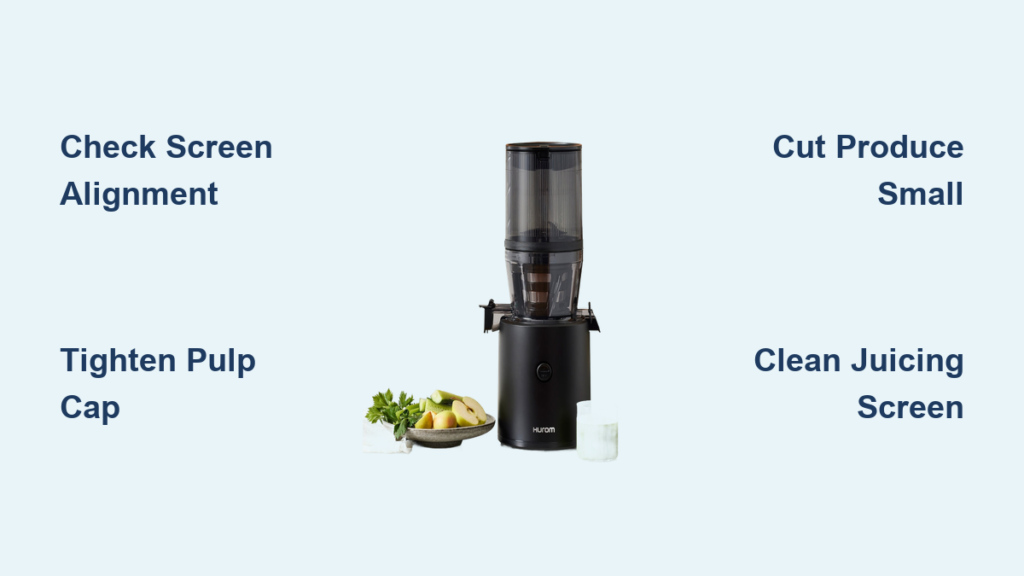
Have you ever finished juicing with your Hurom machine only to find your glass filled with more pulp than liquid? You’re not alone. Many Hurom juicer owners struggle with excessive pulp in their juice, defeating the purpose of investing in a premium slow juicer known for its efficient extraction. When your expensive appliance doesn’t deliver the smooth, pulp-free juice you expect, it’s frustrating and wastes both your time and expensive produce. The good news is that excessive pulp output is almost always fixable with the right approach—no need to replace your entire machine.
This issue typically stems from one of several common problems that affect the juicing mechanism’s efficiency. Unlike centrifugal juicers that use speed to separate juice from pulp, Hurom’s slow masticating technology relies on precise pressure and filtration. When something disrupts this delicate process, you end up with juice that’s more fibrous than fluid. In this guide, you’ll discover exactly why your Hurom juicer produces too much pulp and learn specific, actionable solutions tailored to your machine’s design.
Identifying Normal vs. Problematic Pulp Output
How Much Pulp Is Actually Normal?
Before troubleshooting, understand what constitutes normal pulp output versus a genuine problem. A properly functioning Hurom juicer should produce pulp that’s relatively dry—when squeezed, only a few drops of liquid should emerge. The pulp should hold its shape when pressed but crumble easily. If your pulp feels moist, leaves juice on your fingers, or resembles the original produce texture rather than a compressed fiber cake, your machine isn’t extracting efficiently.
Common Culprits Behind Excessive Pulp
Most pulp issues stem from three primary problem areas: improper assembly, worn components, or incorrect produce preparation. The slow auger system requires precise alignment between the juicing screen, auger, and pulp outlet. Even a slight misalignment can dramatically reduce extraction efficiency. Additionally, different produce types require specific feeding techniques—hard vegetables like carrots need different handling than leafy greens or soft fruits.
Proper Assembly and Alignment Fixes

Ensuring Correct Screen and Auger Installation
The most frequent cause of excessive pulp is improper assembly of the juicing screen and auger. Hurom’s precision engineering means these components must align perfectly. Start by disassembling your juicing assembly completely. Check that the screen’s tabs align with the housing slots—forcing components together creates misalignment that compromises extraction. When reinstalling the auger, ensure it sits flush against the screen without wobbling. A loose auger won’t apply consistent pressure, leaving juice trapped in the pulp.
Verifying Pulp Outlet Cap Tightness
Many users overlook the pulp outlet cap’s critical role in extraction efficiency. This component creates necessary back pressure that forces more juice through the screen. If the cap is too loose, pulp exits too quickly without sufficient compression. Try tightening the cap slightly—about a quarter-turn past finger-tight—and test with a simple apple juice run. You should notice drier pulp and increased juice yield. Be careful not to overtighten, as this can strain the motor.
Produce Preparation and Feeding Techniques
Cutting Produce to Optimal Sizes
How you prepare your ingredients significantly impacts extraction efficiency. Large chunks create air pockets that prevent consistent pressure through the auger. For best results, cut hard produce like carrots and apples into 1-inch cubes before juicing. Leafy greens should be rolled tightly into cigar shapes to feed efficiently through the chute. When juicing watery produce like cucumbers, alternate with drier items to maintain optimal pressure through the system.
The Double-Pass Technique for Problematic Produce
Certain ingredients naturally yield more fibrous pulp, but you can maximize extraction with the double-pass method. First, juice your produce normally. Then, take the resulting pulp, mix with a small amount of water (about 2 tablespoons per cup of pulp), and run it through again. This second pass captures residual juice trapped in the fibers. While this adds time, it’s particularly effective for expensive superfoods like wheatgrass or kale where every drop counts.
Maintenance and Component Replacement
Cleaning Clogged Juicing Screens Properly
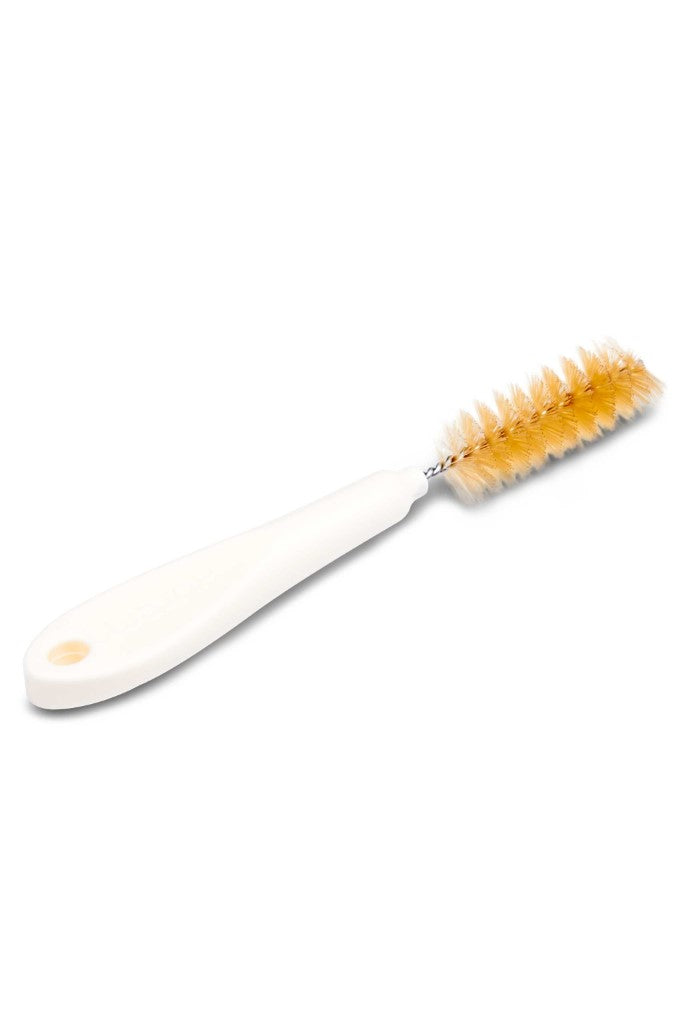
A partially clogged screen is a silent culprit behind poor extraction. Even after regular cleaning, microscopic fibers can embed in the screen’s mesh. Soak the screen in warm, soapy water for 15 minutes, then use the included cleaning brush at a 45-degree angle to scrub in one direction only—never back-and-forth, which damages the fine mesh. Pay special attention to the inner curve where pulp accumulates. For stubborn residues, a diluted vinegar solution (1:3 vinegar to water) can dissolve mineral deposits without damaging the screen.
Recognizing When to Replace Worn Components
Hurom juicer parts wear out over time, especially with frequent use. The auger’s teeth gradually lose sharpness after 1-2 years of regular juicing, reducing its ability to break down fibers effectively. Similarly, screens develop microscopic bends that compromise filtration. If you’ve addressed assembly and technique issues but still get wet pulp, inspect your auger for smooth, defined teeth (not rounded edges) and your screen for any visible warping. Most Hurom owners find replacing these components every 18-24 months restores optimal performance.
Model-Specific Adjustments
Optimizing Settings for Your Hurom Series
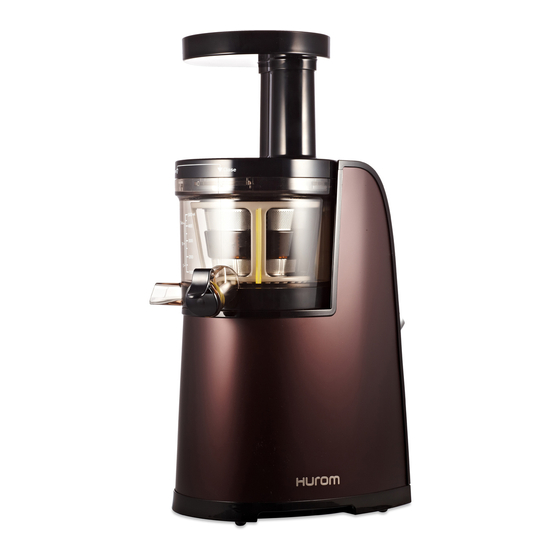
Different Hurom models have unique features affecting pulp output. The HG series has a pulp control knob—turn it toward “Less Pulp” for maximum extraction, though this slows juice flow. The newer HH models feature an automatic pulp control system that adjusts based on produce density; ensure the sensor area near the pulp outlet stays clean for proper function. For the vertical Slow Juicer models, verify the pulp door opens fully—restricted opening reduces compression time.
Temperature’s Impact on Juice Extraction
Many users don’t realize that produce temperature affects extraction efficiency. Cold ingredients (below 40°F/4°C) cause fibers to contract, trapping more juice. For optimal results, let produce sit at room temperature for 20-30 minutes before juicing. The exception is leafy greens, which juice better when slightly chilled—store these in the refrigerator but remove 15 minutes before use.
Preventing Future Pulp Problems
Establishing a Post-Juicing Cleaning Routine
The best prevention happens immediately after juicing. Don’t let pulp dry inside the components—disassemble and rinse all parts within 15 minutes of use. Pay special attention to the screen’s inner surface where pulp cakes quickly. For daily users, a quick brush under running water suffices, but weekly deep cleaning with the vinegar solution maintains optimal performance. Always dry components thoroughly before storage to prevent warping.
Rotation Technique for Even Wear
To extend component life and maintain consistent extraction, rotate your screen orientation each time you reassemble. Most Hurom screens have multiple alignment points—shifting the screen 90 degrees with each use ensures even wear across the entire mesh surface. This simple habit can double the effective life of your screen before replacement becomes necessary.
When your Hurom juicer leaves too much pulp in your juice, the solution usually lies in proper assembly, produce preparation, or timely maintenance—not a fundamental flaw in your machine. By implementing these specific fixes tailored to Hurom’s engineering, you’ll maximize juice yield from every piece of produce. Remember that perfectly dry pulp isn’t the goal—some residual moisture is normal—but you should consistently extract significantly more liquid than pulp. Start with the assembly check and feeding techniques, then progress to component maintenance if needed. Within minutes, you can transform your juicing experience from frustrating to flawless, getting the premium results your Hurom was designed to deliver. For persistent issues after trying these solutions, consult Hurom’s official support with your specific model number for component compatibility guidance.



