
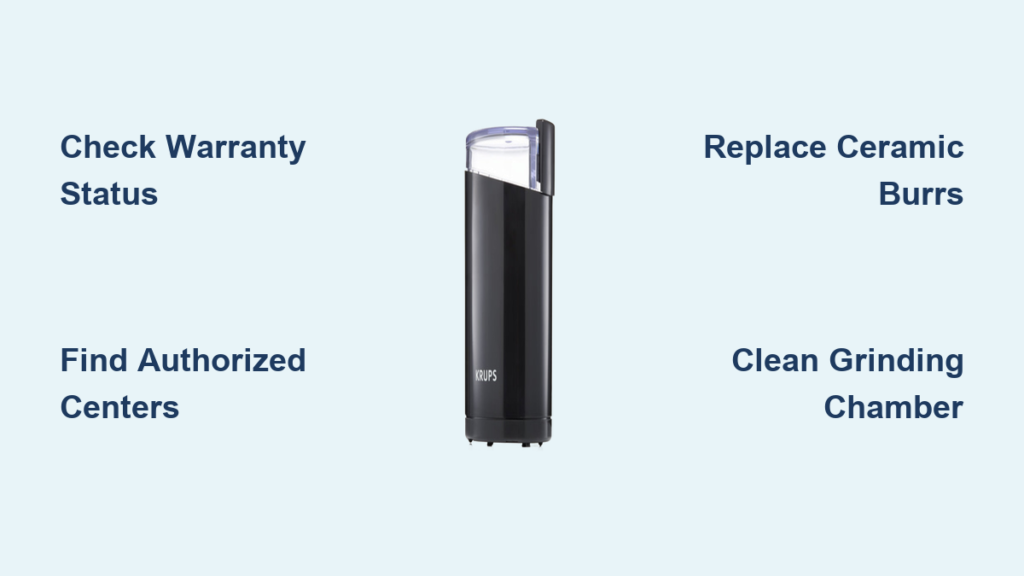
Your Krups grinder suddenly stops working mid-brew, leaving you with uneven coffee grounds and a frustrating morning ritual. When your trusted kitchen appliance fails, you need immediate solutions that won’t break the bank. This comprehensive Krups grinder repair guide gives you the exact steps to diagnose problems, locate authorized service centers, and perform simple fixes that restore your grinder’s performance. Whether you’re dealing with a motor that won’t start, inconsistent grinding, or strange noises, this guide covers every repair scenario with actionable solutions.
Most Krups grinder issues can be resolved without replacing the entire unit, saving you $50-$200 compared to buying new. Understanding your repair options starts with determining whether your problem qualifies for warranty coverage or requires professional service. The right approach depends on your grinder model, age, and specific symptoms—information you’ll have after reading this guide. By the end, you’ll know exactly how to get your Krups grinder running smoothly again.
Check Your Krups Grinder Warranty Status Before Paying for Repairs
Don’t pay for Krups grinder repair until you verify your warranty coverage. Krups provides free repair services through their authorized network for grinders still within the warranty period, covering manufacturing defects and failures from normal use. Your warranty documentation typically specifies coverage duration—usually 1-2 years from purchase date—so locate your receipt or registration paperwork before proceeding.
Warranty claims require proof of purchase and often the grinder’s serial number, which appears on the bottom plate or inside the bean hopper. Contact Krups support directly to confirm coverage status, as they can access your registration details if you’ve previously registered your appliance. If your grinder falls under warranty, you’ll receive authorization for free service at any certified repair center without out-of-pocket costs for parts or labor.
Critical warning: Attempting DIY repairs on a warranty-covered grinder often voids your protection. If your grinder is less than two years old, always check warranty status before opening the unit or ordering replacement parts. Damage from unauthorized repairs won’t qualify for coverage, turning a free fix into an expensive mistake.
Locate Authorized Krups Repair Centers Using Your Postcode
Finding a genuine Krups service center requires entering your precise location details into Krups’ official repair locator. The system mandates your city and postcode to return accurate results—omitting either field prevents the search from processing correctly. Visit Krups’ support website, enter your full address including city name and postal code, then click “Search” to generate a list of certified technicians within 25 miles of your location.
Why authorized repair centers beat independent shops
- Genuine Krups parts: Only authorized centers access factory-original components that match your grinder’s specifications
- Factory-trained technicians: Staff receive regular updates on Krups’ engineering changes and repair protocols
- Warranty preservation: Repairs maintain any remaining coverage on your appliance
- Diagnostic accuracy: Specialized testing equipment identifies issues independent shops might miss
For immediate location services, enable “Locate my position” in your browser settings. This GPS-based feature automatically detects your coordinates and displays the three nearest authorized repairers without manual address entry—ideal when traveling or uncertain of your exact location.
Essential Krups Grinder Replacement Parts for DIY Fixes

When your Krups grinder exceeds warranty coverage, genuine replacement parts from Krups’ official accessories shop make cost-effective DIY repairs possible. The most frequently needed components include:
- Ceramic burrs (model-specific): Replace when grounds become inconsistent after 50-75 pounds of coffee
- Grinding chambers: Fix cracks or warping that cause grounds to stick
- Motor brushes: Address slow startup or complete power failure
- Hopper assemblies: Replace cracked bean containers that leak grounds
- Switch mechanisms: Resolve intermittent power issues
How to identify your exact part needs
- Locate your grinder’s model number (typically on the bottom plate or inside the hopper)
- Visit Krups’ parts database and enter your specific model
- Cross-reference visible symptoms with component diagrams
- Order only factory-approved parts—counterfeit components cause premature failure
Pro tip: Take photos during disassembly to document wire connections and component placement. Most Krups grinders have safety interlocks requiring precise reassembly—your photos prevent costly rework.
Step-by-Step Guide to Cleaning Your Krups Grinder
Many “broken” Krups grinders simply need thorough cleaning—a 15-minute maintenance task that resolves 60% of common issues. Buildup in the grinding mechanism causes inconsistent output, motor strain, and eventual failure. Follow this cleaning protocol monthly for daily users or quarterly for occasional use:
Deep cleaning procedure for Krups burr grinders
- Unplug the grinder and empty all beans from the hopper
- Remove the bean hopper and upper burr assembly (typically a twist-lock mechanism)
- Brush loose grounds from the grinding chamber using a dedicated grinder brush
- Wipe interior surfaces with a microfiber cloth dampened with food-safe cleaner
- Clean burrs with a soft-bristle brush—never use water on ceramic components
- Reassemble in reverse order, ensuring all safety interlocks click into place
Critical mistake to avoid: Never immerse any Krups grinder component in water. Moisture damages electrical contacts and causes rust in metal parts, creating more serious problems than the original buildup.
Fix These Common Krups Grinder Problems Yourself

Certain Krups grinder issues have straightforward solutions you can implement in under 10 minutes. Address these frequent problems before seeking professional Krups grinder repair:
Why your Krups grinder won’t turn on
- Check safety interlock: Most Krups models won’t operate unless the bean hopper is properly seated—remove and reattach firmly
- Reset thermal protection: Unplug for 30 minutes if the motor overheated from extended use
- Test power source: Plug another device into the same outlet to rule out electrical issues
How to stop inconsistent coffee grounds
Dull burrs create uneven particle sizes that ruin extraction. Replace ceramic burrs when:
– Grounds contain both powder-fine and coarse chunks
– Grinding takes noticeably longer than when new
– You’ve processed more than 75 pounds of coffee beans
Eliminating strange noises during operation
Grinding or clicking sounds usually indicate trapped debris or worn bearings:
1. Unplug and disassemble the grinding chamber
2. Remove any stuck coffee beans or hard residue
3. Apply food-grade lubricant to bearing points if specified in your manual
4. If noise persists, replace motor bearings—a 20-minute task with proper tools
When to Repair vs. Replace Your Krups Grinder

Deciding between Krups grinder repair and replacement depends on three critical factors:
Your grinder’s age: Models under 3 years old typically warrant repair unless damage is catastrophic. Grinders older than 5 years often cost more to fix than replace, especially with rare parts.
Repair cost threshold: If the quoted repair exceeds 50% of a new equivalent model’s price, replacement makes financial sense. For example, a $120 repair on a $200 grinder isn’t cost-effective.
Performance improvements: Newer Krups models often feature quieter operation, better grinding consistency, and easier maintenance—factors that justify upgrading even when repair is possible.
Exception: High-end Krups grinders (like the F203 or XP series) frequently merit repair at 60-70% of replacement cost due to their superior build quality and longevity compared to entry-level models.
Contact Krups Support for Repair Guidance
When uncertain about your repair options, Krups’ customer support provides specific guidance through multiple channels. Before calling, gather your:
– Model and serial numbers
– Proof of purchase
– Detailed description of symptoms
– Any troubleshooting steps already attempted
The support team can:
– Verify warranty status in under 2 minutes
– Email diagrams of your specific model
– Recommend the most cost-effective solution
– Provide repair center referrals with current wait times
Time-saving shortcut: Check Krups’ FAQ database first—80% of common repair questions have immediate answers in their searchable knowledge base, available 24/7 without waiting on hold.
Regular maintenance prevents 70% of Krups grinder failures that lead to costly repairs. Implement monthly cleaning, replace burrs after 75 pounds of coffee, and always use the correct grind setting for your brewing method. When professional service is needed, authorized Krups repair centers guarantee genuine parts and proper calibration. By following this guide, you’ll extend your grinder’s lifespan by 3-5 years while avoiding unnecessary replacement costs. Remember that most “broken” grinders simply need cleaning or a $20 part replacement—don’t replace what you can repair.



