
Your Bunn coffee grinder has stopped working just when you need it most, leaving you with pre-ground coffee that lacks the freshness and flavor of properly ground beans. Whether you rely on your grinder for your morning ritual or serve customers in a busy café, this malfunction disrupts your entire coffee experience. The good news is that most Bunn coffee grinder issues can be diagnosed and resolved with basic tools and systematic troubleshooting. This guide provides actionable repair steps to get your grinder functioning properly again without unnecessary service calls.
Bunn grinders are known for their commercial-grade durability, but even the most robust equipment requires maintenance when components wear out or become obstructed. Understanding how to identify common failure points and address them properly extends your grinder’s lifespan significantly. From jammed burrs to electrical issues, this guide covers the repair procedures you need to restore optimal grinding performance.
Diagnose Common Grinding Problems
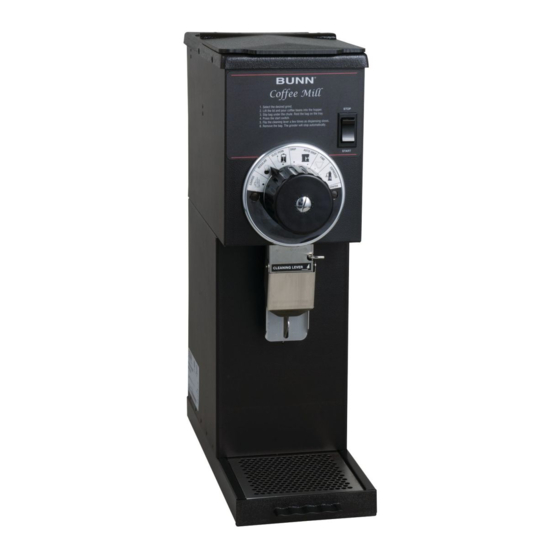
Before attempting repairs, accurately identifying your specific issue saves time and prevents unnecessary disassembly. Most Bunn grinder problems manifest through distinct symptoms that point directly to the underlying cause. Pay attention to what your grinder does and doesn’t do during operation to narrow down potential problems.
Grinder produces no grounds despite running sounds typically indicates a blockage between the hopper and grinding chamber or a seized burr assembly. When the motor activates but nothing comes out, the problem usually lies in the feed mechanism or a severely clogged grinding area. Conversely, if the motor doesn’t run at all, you’ve likely encountered a power supply problem or a failed motor component.
Inconsistent grind size points to worn burrs, improper adjustment settings, or foreign objects interfering with the grinding mechanism. Grounds that are overly fine and clumpy suggest the burrs have degraded past their optimal performance. Conversely, chunky, uneven grounds typically indicate a dull burr edge or debris caught in the grinding teeth.
Motor Runs But Grinds Nothing
When your Bunn grinder’s motor activates but fails to produce coffee grounds, you’re dealing with a feed or obstruction problem. Begin by disconnecting power and removing the hopper to inspect for foreign objects like small stones or metal fragments that may have escaped detection during bean sorting.
If the hopper appears clear, the grinding chamber itself likely contains compacted coffee residue forming a solid blockage. This situation requires disassembling the burr assembly for thorough cleaning. Remove the bean hopper and upper housing components to access the grinding mechanism. Compressed coffee oils and fine grounds can solidify into a rock-like mass that prevents new beans from reaching the burrs.
In some cases, the auger or feed screw that pushes beans toward the burrs has seized or broken. Inspect this component for damage, corrosion, or accumulated debris preventing rotation. The auger connects directly to the motor shaft, so any obstruction here can cause severe motor strain.
Excessive Noise or Vibration
Abnormal sounds from your grinder demand immediate investigation, as they often indicate developing mechanical failures. Rattling sounds typically suggest loose components, such as a poorly secured housing panel or a loose burr carrier. Squealing or high-pitched grinding indicates bearing failure or insufficient lubrication in moving parts.
Turn off and unplug your grinder, then carefully shake or tilt the unit to identify any loose internal components. Remove the housing and inspect all fasteners and mounts for security. Tighten any loose screws, but avoid over-tightening, which can crack plastic components.
Bearing failures produce a distinctive grinding or rumbling noise that intensifies as the grinder runs. The main grinding burrs rely on bearings for smooth rotation. Worn bearings allow lateral movement that damages burr edges and creates excessive vibration.
Inspect and Clean Burr Assembly
The burr assembly represents the heart of your coffee grinder and requires regular inspection and cleaning. Over time, coffee oils accumulate on burr surfaces, creating a glazed layer that reduces grinding efficiency. Additionally, small particles of foreign material can damage burr teeth, creating uneven wear patterns.
Begin burr inspection by removing the bean hopper and upper housing components. Most Bunn grinders feature a top-mounted burr carrier that unscrews or unbolls from the main grinding chamber. Handle these components carefully, noting the orientation of any shims or adjustment washers that govern grind setting accuracy.
Once exposed, examine the burr teeth for visible damage, excessive wear, or accumulated residue. Light coffee oil buildup appears as a shiny, dark coating on the tooth surfaces. Clean the burrs using a stiff nylon brush and food-safe grinder cleaning solution. Avoid metal brushes that scratch the burr surface.
Inspect the burr mounting surfaces for warping, corrosion, or accumulated debris that might affect alignment. Clean all mating surfaces with isopropyl alcohol and a lint-free cloth before reassembly.
Remove and Replace Worn Burrs
Burr wear eventually reaches a point where cleaning no longer restores satisfactory performance. Signs of excessive wear include consistently uneven grounds despite adjustment, reduced output volume, and increased motor strain during operation.
To replace burrs, first remove the old set from the carrier assembly, noting their orientation. Install new burrs in the same configuration, ensuring the drive tangs align correctly with the motor shaft. Tighten mounting hardware to the specified torque, as over-tightening can crack burr carriers.
After burr replacement, your grinder requires recalibration to achieve proper grind size. Start with a coarse setting and work toward your desired fineness in small increments, testing the output between adjustments.
Fix Electrical System Issues
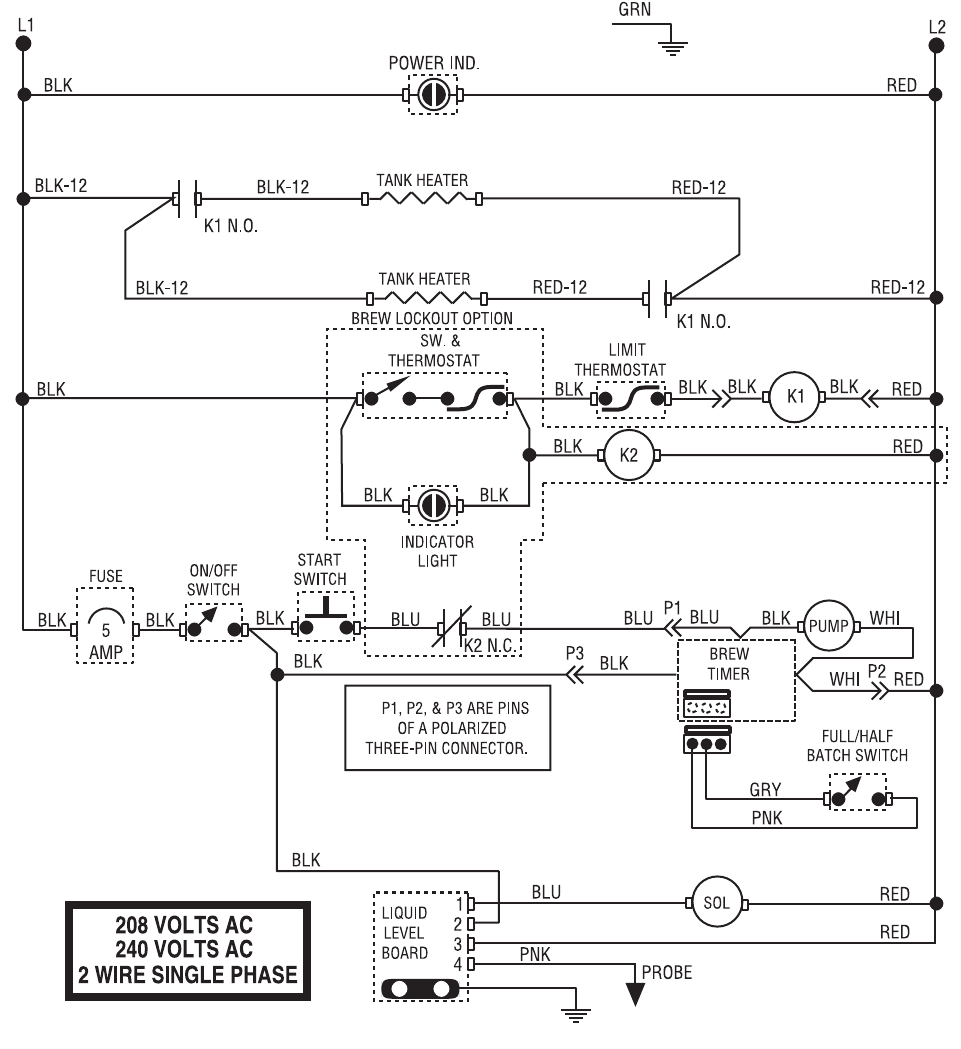
Electrical problems account for a significant portion of Bunn coffee grinder failures. Before touching any electrical components, always disconnect power from the grinder to prevent shock or injury. Inspect the power cord first, as this component suffers repeated flexing and stress during normal use.
Examine the entire length of the power cord for visible damage, including cuts, fraying, or exposed wires. Test the cord by flexing it near the plug and grinder entry points while the grinder runs. Intermittent operation that responds to cord movement indicates internal wire breakage requiring cord replacement.
If the cord appears intact but the motor fails to start, test the outlet using a known-working device. Verify that circuit breakers or fuses controlling the outlet have not tripped or blown.
Test Switches and Controls
On-off switches and speed controls suffer from accumulated debris, worn contacts, and mechanical failure over time. Clean switch internals using contact cleaner spray, working the switch through several cycles to distribute the cleaning solution.
Test switch functionality using a multimeter set to continuity or resistance measurement. With power disconnected, probe the switch terminals while actuating the switch. A functioning switch shows near-zero resistance when closed and infinite resistance when open.
Repair Hopper and Feed Mechanism
The hopper and feed system deliver beans to the grinding burrs at a controlled rate. Problems in this area result in inconsistent grind volumes and excessive bean waste. Hopper issues range from cracked or warped plastic components to adjustment mechanisms that no longer maintain proper settings.
Inspect the hopper body for cracks, especially around mounting points and the feed throat where beans exit. Coffee beans contain oils that can degrade certain plastics over time, making older hoppers susceptible to stress fractures. Replace cracked hoppers immediately.
The bean lock or dose control mechanism regulates how beans reach the grinding burrs. This component may feature adjustable gates or spring-loaded plates governing bean flow. Clean these mechanisms regularly, as accumulated coffee dust can restrict movement.
Clear Auger Blockages
The auger or feed screw propels beans toward the grinding burrs and can become jammed by foreign objects. Symptoms of auger problems include uneven bean feed, grinding sounds without output, and motor strain during operation.
Disconnect power and remove the hopper to access the auger assembly. Rotate the auger by hand to check for binding or resistance. The auger should turn smoothly with slight resistance from the grinding burrs. Hard rotation or complete seizure indicates a blockage requiring removal.
Clear auger blockages by removing the lower burr assembly and extracting any foreign material manually. Clean the auger flights and surrounding housing using a brush and appropriate cleaning solution.
Maintain Your Grinder Regularly
Preventive maintenance dramatically extends your grinder’s service life and maintains consistent grind quality. Establish a cleaning schedule based on your usage volume, with daily maintenance for commercial applications and weekly maintenance for home use.
Daily maintenance involves brushing out the grinding chamber, hopper, and grounds catch area to remove accumulated residue. Use a dedicated grinder brush with bristles sized for your machine’s dimensions.
Weekly deep cleaning should include burr inspection and thorough cleaning using specialized grinder cleaning tablets or solution. Run the cleaning solution through an empty grinding cycle, then flush with several batches of unused coffee beans.
Monthly maintenance expands to include full burr inspection, adjustment verification, and electrical component inspection. Document any wear patterns or developing problems for attention before failure occurs.
Final Note: Regular maintenance and prompt attention to developing problems extend your Bunn coffee grinder’s lifespan significantly. Most repairs fall within the capability of mechanically inclined users, saving substantial service costs. When facing complex electrical repairs or situations requiring specialized tools, consult qualified service technicians to avoid safety hazards or additional damage.



