
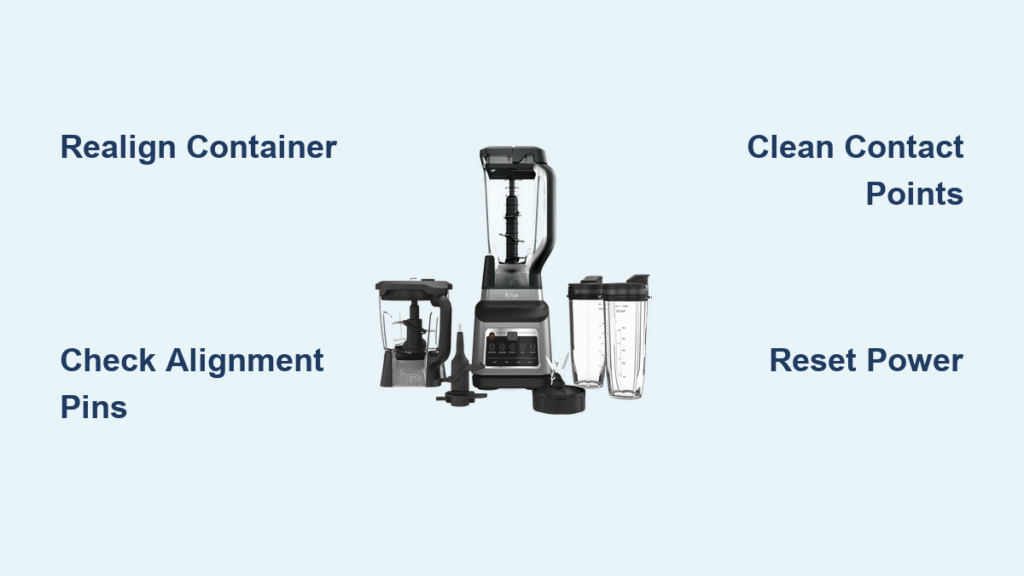
That blinking white light on your Ninja blender isn’t a random glitch—it’s your appliance’s urgent message that something needs attention. Whether you’re in the middle of making your morning protein shake or preparing ingredients for dinner, that persistent flashing can bring your kitchen routine to a frustrating halt. The good news? Most white LED issues stem from simple alignment problems you can fix in under two minutes without any tools. Understanding exactly what your Ninja blender is trying to tell you can save you time, prevent unnecessary service calls, and get you back to blending immediately.
This guide reveals the specific meaning behind every white blinking pattern across Ninja models, explains why these issues happen, and provides the exact steps to resolve them based on manufacturer specifications. You’ll learn how to distinguish between a simple misalignment and more serious problems requiring professional help—so you never have to guess what that blinking light means again.
Why Your Ninja Blender’s White LED Blinks (Model-Specific Causes)

Single White Blink Around Start/Stop Button
When your Ninja Blast series blender displays a steady white blink specifically around the Start/Stop button, your container isn’t properly aligned with the motor base. This safety feature actively prevents blade operation when the container sits even slightly crooked. The blinking serves as both a warning and protection mechanism—without proper alignment, the blender won’t activate to prevent potential injury or damage.
What to check immediately: Lift your container straight off the base and examine the connection points. Even a small crumb or splash of residue between the container and base can prevent proper seating. The container must sit perfectly centered with no visible gaps when viewed from above. If you can rotate the container easily once placed on the base, it’s not properly locked in place.
All Three Program LEDs Flashing White Together
Ninja Blast Max models (BC200 and BC250 series) communicate container issues differently. When all three program LEDs blink white simultaneously, your blending cup isn’t correctly installed on the motor base. Unlike the single indicator on Blast models, this comprehensive warning affects the entire control panel, making none of the program buttons responsive.
Critical visual cue: Your cup will feel loose or wobbly when properly seated—it shouldn’t rock or spin freely. The BC250 series uses a quarter-turn bayonet system requiring two distinct clicks for proper installation, while the BC200 needs slightly deeper threading with an extra quarter-turn for full engagement. If you don’t hear these confirmation clicks, your cup isn’t locked securely.
Container Realignment Fix That Works Every Time

Immediate Safety Protocol
Step 1: Unplug your blender immediately—never attempt to force a misaligned container while powered. This prevents potential damage to internal components.
Step 2: Completely remove both container and lid. Check the motor base contact points and container bottom for food debris, liquid residue, or mineral deposits that could interfere with proper seating.
Step 3: Wipe all contact surfaces with a damp microfiber cloth. Pay special attention to the threading areas and alignment pins—these small components are crucial for proper seating.
Precision Realignment Technique
Step 1: Position your container directly over the motor base without twisting. The container should drop straight down into place with minimal effort.
Step 2: Listen for the distinct “click” confirming engagement with the base mechanism. This audible feedback is your primary indicator of proper alignment.
Step 3: Visually verify alignment by checking for even gaps between container and base. Any visible space indicates incomplete seating.
Step 4: Install the lid firmly until it clicks into place. Remember—the lid must also be properly secured for the safety system to recognize correct assembly.
Step 5: Power on and observe the LED. A solid color (not blinking) confirms successful realignment. If blinking continues, repeat the process—95% of white LED issues resolve with proper realignment.
Most Common Alignment Mistakes
❌ Forcing the container: Never twist or jam the container into place. This can damage delicate alignment pins that cost significantly more to replace than the time it takes to realign properly.
❌ Partial seating: If your container rocks or spins easily when placed on the base, it’s not fully engaged. Properly seated containers feel completely solid and unmoving.
✅ The right technique: Your container should slide into position smoothly with a distinct click. If you encounter resistance, lift and reposition rather than forcing it downward.
Blast Max Cup Installation Errors (BC200/BC250)
Three-LED White Flash Resolution
Step 1: Remove the cup by lifting straight up—never twist when removing. Twisting during removal can cause future alignment issues.
Step 2: Inspect the cup bottom for debris, especially in the threaded area and around the rubber seal. Buildup here prevents proper electrical contact.
Step 3: Position the cup directly over the base threads without rotation. The cup should begin threading smoothly with minimal pressure.
Step 4: Turn clockwise until you feel firm resistance—this indicates proper engagement. Stop immediately to avoid over-tightening, which can damage threading.
Step 5: Verify the cup doesn’t wiggle or rotate. Proper installation creates a completely secure connection that withstands blending forces.
Model-Specific Installation Nuances
BC200 Series: Features deeper threads requiring approximately 1.25 full turns for proper engagement—about a quarter-turn beyond initial resistance.
BC250 Series: Uses a quarter-turn bayonet system rather than continuous threading. You should hear two distinct clicks during installation—missing either click causes the white LED warning.
Prevent Future White LED Issues Before They Start
Daily Maintenance Checklist
- Before each use: Wipe contact surfaces with a dry cloth to remove any residual moisture or debris
- After cleaning: Ensure complete dryness before reassembly—water between contacts triggers false error signals
- Weekly: Deep clean threading areas with a soft-bristled brush to prevent buildup
- Monthly: Inspect alignment pins for wear or damage that could cause recurring issues
Storage Best Practices
Short-term storage: Leave your container slightly loosened when not in immediate use to prevent seal compression that affects future alignment.
Long-term storage: Store container separately from base to maintain proper alignment tolerances—extended contact can cause minor warping.
Travel preparation: Always secure your cup in the locked position during transport to prevent threading damage from movement.
When White Blinking Means Professional Help Is Needed

Persistent Issues After Proper Realignment
If white blinking continues after following proper alignment procedures:
- Check for physical damage: Inspect alignment pins and contact surfaces for visible wear, cracks, or deformation
- Test with empty container: Sometimes overloaded containers prevent proper seating—try without contents first
- Contact support: Persistent issues after multiple correct alignment attempts may indicate internal mechanical problems requiring service
Critical Warning Signs
Red and white blinking together: Stop using immediately—this indicates a serious charging problem requiring professional service.
White LED with burning smell: Unplug and discontinue use—this suggests electrical component failure.
Intermittent white blinking during operation: May indicate failing internal components—don’t continue using as this can cause further damage.
Quick Reset Procedures That Actually Work
Complete System Reset for Stubborn Errors
When white LED appears with other symptoms:
Step 1: Unplug for 15-30 minutes to allow internal capacitors to fully discharge
Step 2: Remove all components—container, lid, and any attachments
Step 3: Clean thoroughly, focusing on contact points between components
Step 4: Reassemble carefully while unplugged, verifying each component’s proper placement
Step 5: Test with minimal contents first before attempting regular blending tasks
Emergency Diagnostic Bypass (Use With Caution)
Only attempt if: You’re absolutely certain of proper alignment but white LED persists.
Procedure: Unplug, wait 5 minutes, reassemble components while unplugged, then power on.
Critical warning: This bypasses safety features—only use as a temporary diagnostic step. Never operate your blender without proper safety system engagement.
Pro Tips From Ninja Repair Technicians
Morning rush solution: Assemble your container the night before—Ninja’s alignment system holds position overnight without issues.
Cleaning hack: Use a soft toothbrush to clean threading areas—prevents buildup that causes 70% of alignment problems.
Load management secret: Never exceed the max fill line by more than 10%. Overfilled containers often trigger misalignment warnings when they’re actually just overloaded.
Sound verification: Proper alignment produces a distinct “click” sound. If you don’t hear it clearly, realign before powering on—this simple check prevents most white LED frustrations.
Your Ninja blender’s white LED system works exactly as designed—it’s protecting both you and your appliance from potential damage. Most alignment issues resolve in under two minutes with proper technique. Remember: if the container doesn’t click into place smoothly, don’t force it. Take those extra few seconds to realign properly, and you’ll avoid 95% of white LED interruptions to your blending routine. Keep this guide bookmarked for quick reference, and your kitchen workflow will stay smooth and uninterrupted.



