
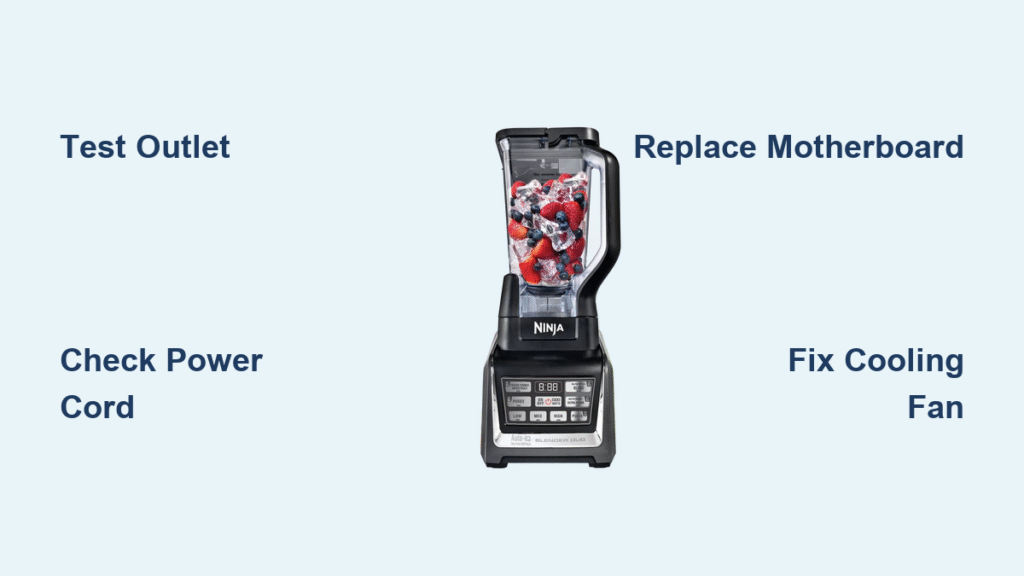
Your Ninja Auto IQ Blender Duo abruptly dies mid-smoothie, leaving frozen fruit glued to stationary blades while the base flashes error lights. Whether it’s completely unresponsive, spewing leaks, or shutting down after 30 seconds of operation, these failures sabotage your morning routine when you need it most. This guide delivers proven solutions for every failure mode—no guesswork required—so you can revive your blender in under an hour without costly replacements. You’ll learn how to diagnose motherboard failures, stop leaks from hidden cracks, and prevent overheating before your next blend cycle.
Verify Power Source Before Assuming Internal Damage
Test Outlet Functionality Immediately
A dead Ninja Auto IQ Blender Duo often stems from the electrical supply, not the unit itself. Plug a phone charger into the same outlet—if it doesn’t charge, your blender isn’t broken; the circuit is compromised. Kitchen outlets frequently trip GFCI protection: locate the outlet’s red RESET button and press firmly until it clicks. If the outlet is switch-controlled, flip the wall switch to the ON position. Still no power? Check your home’s electrical panel for tripped breakers labeled “kitchen” or “appliance.”
Diagnose Power Cord Failures Visually and Tactilely
Internal wire breaks in the power cord cause sudden shutdowns with no visible damage. Unplug the unit and inspect for these critical signs:
– Stiffness or sharp kinks along the cable length
– Warm spots when plugged in (test carefully with fingertips)
– Faint sparking at the outlet connection point
Perform the cord flex test: gently bend the cable near both ends while plugged into a working outlet. If lights flicker or the charger disconnects, internal wires are severed. Replace immediately using Ninja part #322KKU7800—never attempt repairs on damaged cords due to electrocution risks.
Repair Silent Motor Failures Without Replacing the Entire Unit
Identify Motherboard Failure Through Sound Cues
When buttons light up and timers count down but blades stay frozen, the motherboard has failed to activate the motor. Listen for these definitive symptoms:
– No relay click sound when starting a cycle
– Zero vibration or humming from the base
– Digital display functioning normally
This typically stems from burnt solder joints on the power relay or water-damaged circuitry. Critical warning: If you detect corrosion or moisture inside the base, stop immediately—liquid exposure permanently voids warranty coverage.
Execute Safe Motherboard Replacement Steps
For out-of-warranty units, replace the motherboard following this sequence:
1. Unplug for 30+ minutes to discharge capacitors
2. Photograph all wire connections before disassembly
3. Use an anti-static mat to prevent component damage
Never attempt this repair if:
– Your blender is under warranty (contact Ninja instead)
– You see liquid residue inside the base
– Multiple components fail simultaneously
Motherboard part #351KKU7701 requires precision handling—improper installation risks permanent motor damage.
Fix Chunky Blends and Poor Processing in 90 Seconds
Optimize Loading Sequence for Smooth Results
Under-processed smoothies usually indicate improper loading, not dull blades. Follow this exact sequence:
1. Pour 1–2 cups of liquid (minimum) into the pitcher
2. Add soft ingredients like yogurt or bananas
3. Place hard/frozen items (ice, fruit) on top
4. Never exceed the 64 oz max fill line
Pulse strategically: Use 1-second pulses with 2-second pauses between cycles. This repositions ingredients toward the blades and prevents air pockets that stall blending. Overfilling or incorrect layering causes 70% of “poor blending” complaints.
Determine When Blades Actually Need Replacement
Factory blades lose sharpness after 500+ ice cycles but never attempt sharpening—this destroys the critical balance. Replace only if you observe:
– Visible nicks or bent edges on the blade assembly
– Metallic shavings in blended food
– Double the usual time required for identical recipes
Order the correct part: #322KKU7700 for the 72 oz pitcher, #307KKU7700 for single-serve cups.
Prevent Overheating Shutdowns During Critical Blends
Diagnose Cooling Fan Failure in Under 10 Seconds
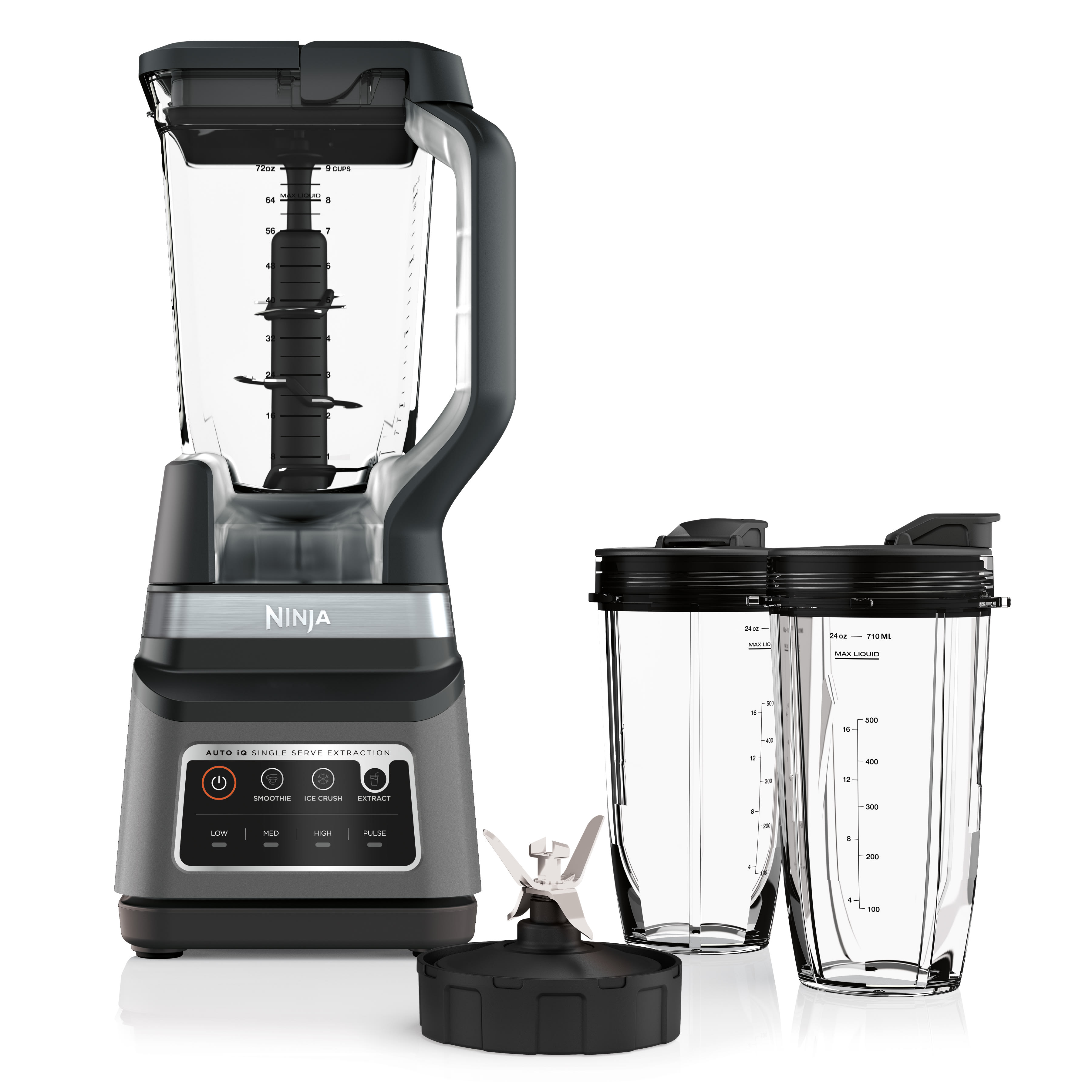
If your Ninja Auto IQ Blender Duo shuts down after 30–60 seconds of operation, the cooling fan has likely failed. Confirm by:
– Placing your hand under the base during operation to feel for airflow
– Listening for the fan’s gentle whirring sound (absence indicates failure)
– Noting if the base exceeds warm coffee mug temperature
No airflow? Replace fan part #351KKU7700 immediately. Until repaired, limit blends to 30-second intervals with 30-minute cooldowns between cycles—continuous operation risks permanent motor burnout.
Implement Heat Prevention Protocols
Even with a working fan, these practices prevent thermal damage:
– Never blend liquids hotter than 180°F (steam warps internal components)
– Avoid 60+ second continuous cycles—use the Auto-IQ presets instead
– Clean bottom vents monthly with compressed air to maintain airflow
Seal Leaks From Cracks and Gasket Failures Permanently

Detect Hairline Cracks in Pitchers Through Water Testing
Leaks often originate from invisible cracks near the handle mount. Perform this foolproof test:
1. Fill pitcher with water to the max line
2. Secure the lid tightly
3. Invert and hold upside down for 30 seconds
4. Check for seepage around the handle base or threads
Cracked pitcher? Replace immediately with part #110KKU7700 for the 72 oz model. Processor bowl leaks (BL642/BL682 models) require #106KKU7700.
Replace Worn Blade Gaskets in 2 Minutes
Leaks from the blade assembly indicate gasket failure, not cracks. Remove the blade assembly and press the black rubber gasket—if it feels hard or flattened instead of spongy, replace it. Tears or visible wear also necessitate replacement. Install a new gasket by aligning it with the blade housing’s grooves before reattaching the assembly.
Respond to Liquid Spills Inside the Base Within 30 Seconds
Execute Emergency Water Damage Protocol
Spilled smoothie in the base demands immediate action to prevent electrocution:
1. Unplug instantly—do not touch metal components
2. Invert the base over a towel to drain liquid
3. Leave disassembled in a dry area for 48+ hours
4. Never power on until completely dry
Critical reality: Ninja mandates discarding the unit after any liquid exposure to the motor base. Internal circuits cannot be safely dried, and residual moisture risks lethal shocks. Liquid damage voids all warranty coverage permanently—no exceptions.
Maintain Peak Performance With Proven Daily Habits
Clean Blades Safely to Preserve Factory Sharpness
Ninja blades stay dangerously sharp for years with proper care:
– Always use the included cleaning brush—never reach inside with sponges
– Store blade assemblies separately from pitchers when not in use
– Place only in dishwasher top rack (avoid high-heat sanitize cycles)
Dishwasher warning: Repeated high-heat cycles warp plastic components over time, causing leaks and misalignment. Hand-wash with mild soap for longest lifespan.
Store Cords to Prevent Internal Wire Breakage
Tight cord wraps create kinks that fracture internal wires within months. Wrap correctly:
– Use the base’s integrated cleats loosely
– Leave 2-inch loops instead of tight coils
– Store away from steam sources like dishwashers
Order Correct Parts and Know When to DIY
Match Components to Your Exact Model
Using incorrect parts causes new failures. Confirm compatibility:
| Part Needed | Compatible Models | Ninja Part # |
|---|---|---|
| 72 oz Pitcher | All BL64x/BL68x | 110KKU7700 |
| Processor Bowl | BL642/BL682 only | 106KKU7700 |
| Cooling Fan | All models | 351KKU7700 |
| Motherboard | All models | 351KKU7701 |
Source wisely: Amazon offers speed, but NinjaKitchen.com guarantees genuine parts. Avoid $15 “compatible” fans—they fail within weeks and risk motor damage.
Decide Between DIY Repair and Professional Service
DIY is safe only when:
– Your unit is out of warranty
– You have ESD-safe tools and electronics experience
– Only one component (fan, cord, pitcher) shows failure
Call Ninja service centers for:
– Warranty-covered repairs (1-year standard coverage)
– Any suspected liquid damage
– Motherboard or fan replacements (voids warranty if self-repaired)
Ninja Auto IQ Blender Duo Diagnostic Flowchart
Follow this sequence for instant problem identification:
1. Blender dead? → Test outlet with phone charger → Inspect power cord → Replace cord
2. Lights on but no movement? → Listen for relay click → No click? → Replace motherboard
3. Poor blending? → Verify fill level and loading order → Still chunky? → Replace blades
4. Overheating? → Check bottom airflow → No air? → Replace fan
Key takeaway: 80% of Ninja Auto IQ Blender Duo failures stem from three fixable issues—power supply problems, cooling fan breakdowns, or incorrect loading techniques. Start with outlet checks and loading sequence adjustments before replacing parts. For complex electrical issues like silent motors, leverage Ninja’s 300+ service centers for flat-rate repairs that often cost less than DIY parts. Always prioritize safety: never operate units with damaged cords or liquid exposure, and replace components using genuine Ninja parts to maintain performance. Implement the cord storage and cleaning habits outlined here to extend your blender’s life by years—keeping your morning routines smooth and frustration-free.



