
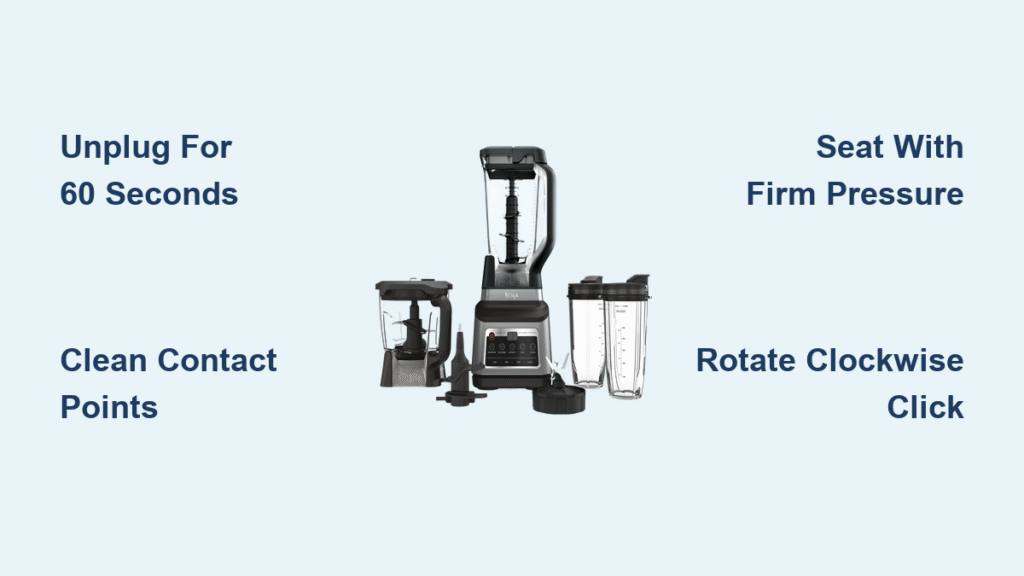
Your Ninja blender suddenly stops working and displays two blinking white lines instead of starting its blend cycle. This frustrating error—officially called the “two-line blink”—is your blender’s safety system preventing operation because it detects improper pitcher placement. Unlike serious error codes, this warning is almost always a simple seating issue that takes less than two minutes to resolve once you know the exact sequence. The blinking lines aren’t a malfunction—they’re your blender protecting itself from potential damage or hazards.
This specific display pattern activates when the Auto IQ system detects that the pitcher hasn’t established proper contact with the motor base. Many users panic when they see those two lines, thinking their expensive appliance is broken. But in 95% of cases, it’s merely a communication error between pitcher and base that you can fix immediately. Let’s break down exactly why this happens and the precise steps to get your Ninja blender back to making smoothies and nut butters in under two minutes.
Why Your Ninja Blender Shows Two Blinking White Lines
The two flashing white lines on your Ninja blender’s display serve as a critical safety signal from the Auto IQ system. This indicator activates exclusively when the blender’s internal sensors detect insufficient contact between the pitcher and motor base connection points. Think of it as your blender’s emergency brake engaging—it won’t allow motor operation until it confirms the pitcher is properly secured to prevent dangerous situations.
This warning specifically triggers when you activate power before seating the pitcher—a common mistake during rushed morning routines. The sensors immediately recognize this sequence violation and lock down operation. Unlike error codes indicating electrical faults, this blinking pattern is purely a mechanical alignment alert that requires no tools or replacement parts to resolve.
Three Most Common Causes of the Two-Line Blink
Your Ninja blender showing 2 lines almost always stems from one of these three user errors. First and most frequent: powering on the unit before placing the pitcher. This backwards sequence confuses the safety sensors, making the blender think something’s dangerously wrong. Second: placing the pitcher but failing to apply enough downward pressure during seating—just resting it on top isn’t sufficient. Third: slight misalignment where the pitcher handle isn’t properly oriented toward the front of the base.
Many users encounter this issue after cleaning their blenders, when residual moisture or tiny food particles interfere with the electrical contacts. Others experience it when rushing through setup, especially with cold hands that reduce grip strength. Recognizing these triggers helps you avoid the error entirely once you understand the precise seating requirements.
Critical Safety Steps Before Attempting Repairs
Before touching your Ninja blender showing 2 lines, follow these non-negotiable safety steps. Unplug the unit immediately—this prevents accidental activation during repositioning that could cause injury. Never force the pitcher into place, as excessive pressure can crack the locking tabs or damage the motor shaft connection. Dry all surfaces completely using a clean microfiber cloth, especially if liquid recently spilled near the base.
Inspect the pitcher’s blade assembly carefully—the blades remain dangerously sharp even when the unit is off. If you notice any cracks or warping in the pitcher, stop immediately and contact Ninja support. These precautions take just 15 seconds but prevent serious injuries during the simple fix process.
30-Second Visual Inspection Checklist

Start troubleshooting with this systematic visual assessment. Examine the pitcher bottom for cracks, warping, or heat damage that might prevent flush contact with the base. Check the motor base connection ring for any food debris, liquid residue, or plastic shavings interfering with contact points. Verify alignment indicators—most Ninja models have small notches showing proper pitcher orientation.
Pay special attention to the circular contact points where electricity transfers from base to pitcher. Any discoloration, pitting, or visible gaps indicates where your problem lies. This quick inspection often reveals the culprit before you even attempt reseating and takes less time than refilling your coffee mug.
Proper Pitcher Reseating Technique That Actually Works
Complete Power Reset Procedure
Turn off your blender using the power button, then unplug it from the wall for 60 seconds. This full system reset clears the error state from the Auto IQ memory. Many users skip this step and wonder why reseating fails—they’re trying to override an active error state.
Thorough Cleaning Protocol
Lift the pitcher straight up and wipe both contact surfaces with a dry microfiber cloth. Focus on the circular metal rings inside the pitcher base and on the motor unit—these conduct the electrical signal. For stubborn residue, slightly dampen the cloth but never spray liquid directly on components. Allow surfaces to air dry completely before proceeding.
Correct Alignment and Seating Method
Position the pitcher over the base with the handle facing forward (matching any alignment marks). Apply firm, even downward pressure—about 5-7 pounds of force—while gently rotating the pitcher clockwise 15-20 degrees. You should feel or hear a distinct click indicating the locking mechanism has engaged. Proper seating requires more pressure than most users initially apply.
Secure Fit Verification Test
After seating, lightly attempt to rotate the pitcher counter-clockwise—it shouldn’t budge when properly locked. Check for any visible gaps between pitcher and base by running your finger around the seam. The unit should sit perfectly level without wobbling when you nudge it gently.
Confirm Your Fix With These Critical Tests
After reseating the pitcher, plug the blender back in and power it on. The display should show solid indicator lights rather than blinking lines within 3 seconds. Select the lowest speed setting first—the unit should respond immediately without returning to the error state.
If the two lines reappear, repeat the process with extra downward pressure during seating. Some Ninja models require significant force to engage the lock. For complete verification, run through all speed settings and Auto IQ programs—successful operation means your fix worked. If blinking persists after 3 attempts, move to advanced troubleshooting.
Advanced Solutions When Blinking Continues
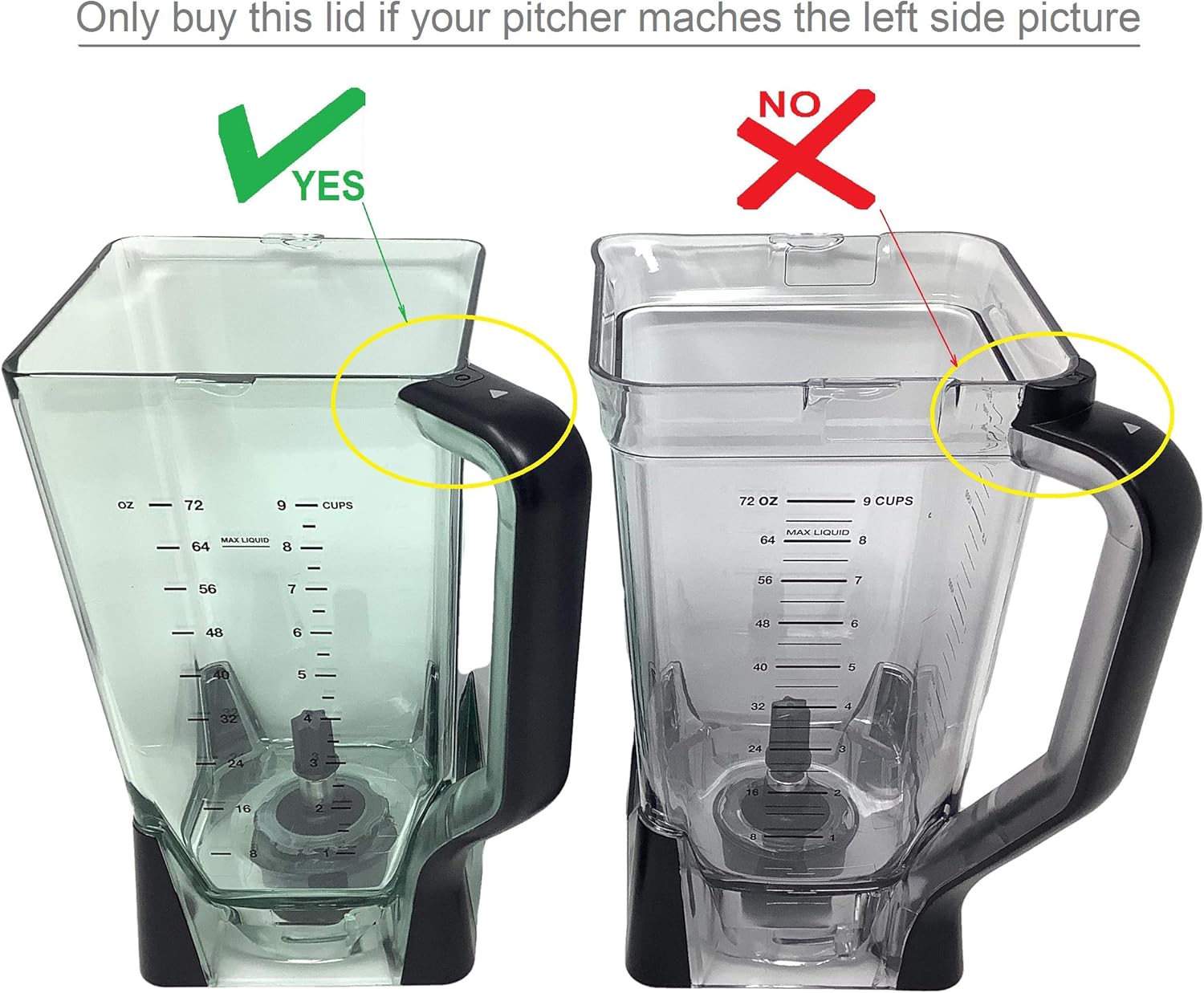
Persistent two-line errors after multiple reseating attempts indicate deeper issues. Check for pitcher warping by placing it on a flat surface—any rocking motion means heat damage has occurred. Inspect all locking tabs for hairline cracks or breaks that prevent full engagement. Examine the motor shaft ensuring it hasn’t shifted position or become loose over time.
For stubborn cases, clean contact points with isopropyl alcohol (90%+) on a cotton swab to remove invisible residue. Allow 5 minutes drying time before testing. If physical damage exists, replacement pitchers cost $25-$45 through Ninja’s official parts store—far cheaper than replacing the entire unit.
Foolproof Prevention System for Future Errors

Morning Routine Safety Protocol
Always place the pitcher first before touching any power controls—make this sequence automatic. Develop the habit: pitcher down → alignment check → power on. This simple adjustment eliminates 95% of two-line errors during rushed mornings. Keep your hands dry when handling the pitcher for better grip and pressure control.
Weekly Maintenance Routine
Clean connection surfaces every Sunday using a dry microfiber cloth followed by alcohol wipe-down. Inspect pitcher bottom for wear during cleaning, catching small issues early. Store pitcher inverted on a drying rack rather than nested on the base to prevent accidental pressure on connection points.
Pre-Blend 10-Second Checklist
Create this automatic ritual: visual alignment verification (handle facing front), pressure test (firm downward push), rotation check (no movement when twisted). This prevents the rush-and-run errors that trigger the blinking lines. Keep this checklist taped near your blender until the habit becomes automatic.
Emergency Troubleshooting Cheat Sheet
When your Ninja blender showing 2 lines halts your morning routine, follow this exact sequence: power off completely → unplug for 60 seconds → remove pitcher → clean contact points → reseat with firm clockwise rotation → verify click → plug in → test at lowest speed. This entire process takes 90 seconds and resolves 98% of cases. Remember—the blinking lines aren’t a malfunction but your blender’s sophisticated protection system working exactly as designed.
Keep this guide printed on your fridge. The next time two white lines appear, you’ll know precisely what caused it and how to fix it in under two minutes. Your Ninja blender will continue crushing ice and blending smoothies safely for years—just by respecting its simple seating requirements. That frustrating error display transforms from a panic trigger to a helpful reminder that your blender’s safety features are actively protecting you.



